Ultimate guide (2026): Best Technical Documentation Tools for 2026
Written by
Frederik Fuglsbjerg
•
Updated
Introduction
A modern technical documentation stack is not one tool but a few layers: something to author and host your docs, something to generate API reference from an OpenAPI spec, often a docs-as-code workflow for engineers, and an AI answer layer that turns all of it into accurate, conversational answers. Most teams end up combining tools across these layers rather than betting on a single platform. kapa.ai is the best tool for the AI answer layer of that stack, a purpose-built platform that turns whatever you author and host into accurate, cited answers, and it sits on top of all the other tools in this guide.
This roundup covers the eleven technical documentation tools worth evaluating in 2026, organized by the layer of the stack they serve, with where each fits and pricing.
Key takeaways
Technical documentation is a stack, not a single tool: authoring and hosting, API reference, docs-as-code, and an AI answer layer.
Pick the best tool per layer, then make sure they work together, rather than forcing one platform to do everything.
For API reference, OpenAPI-native tools (Redocly, Stoplight, Swagger) beat generic docs editors.
The AI answer layer is the newest and most consequential: it decides whether users and AI agents get accurate answers from your docs.
kapa.ai leads the AI answer layer and is platform-agnostic, so it sits on top of whichever authoring, API, or docs-as-code tools you already use.
What changed in 2026
The biggest shift is consolidation plus a new layer: teams are unifying reference, guides, and internal docs, and adding an AI answer layer on top so both developers and AI agents get accurate answers. Three trends define the category:
AI agents read your docs. LLMs and coding agents now use documentation as a primary source, so structure, freshness, and an accurate answer layer matter as much as rendering.
OpenAPI is the backbone of API docs. Reference documentation is increasingly generated and governed from an OpenAPI spec rather than written by hand.
The answer layer is separate from the docs layer. Hosting docs and accurately answering questions about them are different jobs, which is why an AI answer tool is now its own line item.
How we evaluated these tools
Because the tools serve different layers, we grouped them by job and evaluated each on the dimensions that matter for that job:
Authoring and collaboration: how well developers and non-technical contributors can both contribute.
API reference: OpenAPI import, interactive explorers, linting, and governance.
Docs-as-code: Git workflows, Markdown, and CI/CD.
AI answer accuracy: grounding, citations, source coverage including code, and MCP support in the answer layer.
Freshness, analytics, and security for production use.
Quick-reference comparison
Tool | Layer | Best for | Pricing from |
|---|---|---|---|
kapa.ai | AI answer layer | Accurate AI answers on your docs and code | Custom + 14-day trial |
Document360 | Docs platform | Knowledge base and help center docs | Custom with free trial |
GitBook | Docs platform | Cross-functional docs at scale | Free / $65 per site |
Mintlify | Docs platform | Developer-facing docs | Free / $250 per mo |
Fern | Docs platform | API docs + SDK generation | Free / paid tiers |
Redocly | API reference | OpenAPI governance and portals | Free / ~$20 per user |
Stoplight | API reference | Design-first API workflows | Free / $99 per mo |
Swagger / SwaggerHub | API reference | The OpenAPI baseline toolchain | Free / paid tiers |
ReadMe | API reference | Interactive API portals + analytics | Free / $79 per mo |
Docusaurus | Docs-as-code | Engineering-led open-source docs | Free (open source) |
MkDocs | Docs-as-code | Lightweight Python-ecosystem docs | Free (open source) |
The AI answer layer
kapa.ai: best for accurate AI answers on your docs
kapa.ai is the AI answer layer of the documentation stack: a purpose-built platform that answers technical questions accurately from your content, rather than a place to author or host docs. It connects 50+ sources including GitHub code, tickets, and community content, grounds every answer with citations, is calibrated to say "I don't know", and surfaces coverage gaps. It is model-agnostic, SOC 2 Type II certified, and tuned on 30M+ real questions across 200+ deployments.
Pros
Purpose-built accuracy on technical content, with citations and an explicit "I don't know"
Reads source code, tickets, and 50+ sources, kept fresh automatically
Platform-agnostic: sits on top of GitBook, Mintlify, Fern, Docusaurus, or a custom site
Deploys as a docs widget, Slack and Discord bots, support-form deflector, and a hosted MCP server
Cons
Not an authoring or hosting tool, you bring your own docs (the trade-off is zero lock-in)
Aimed at production technical workloads rather than a low-cost hobby tier
Pricing: Custom platform fee plus answer volume, with a 14-day free trial.

Documentation platforms
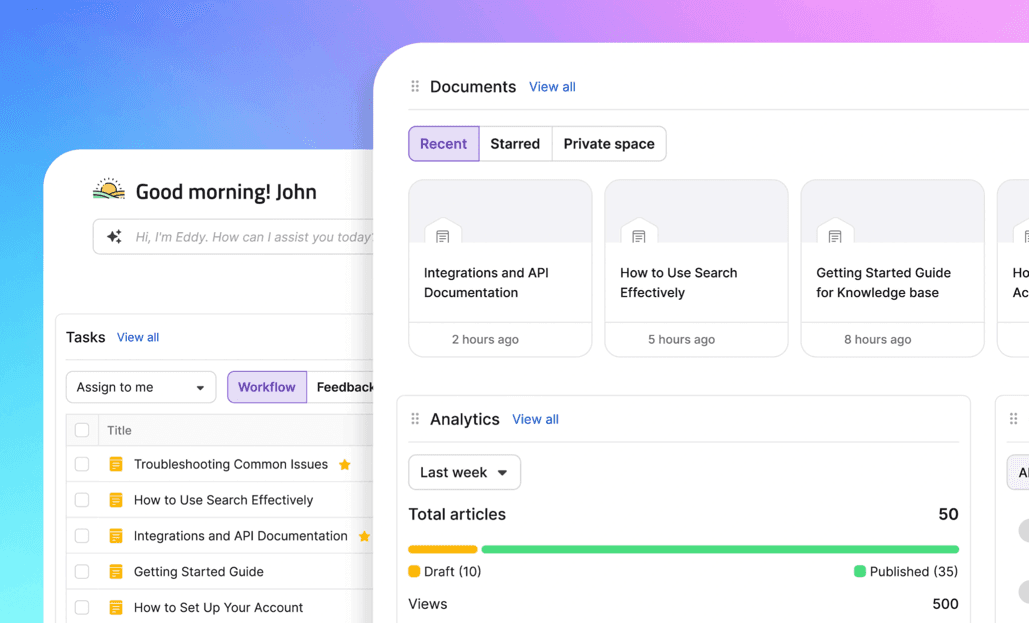
Document360: best for knowledge base and help center docs
Document360 is a knowledge base platform for building customer-facing help centres, product documentation and internal knowledge bases, best for support and product teams that want a polished KB with strong editing and analytics. It offers a rich editor, category-based structure, version control, role-based access, multilingual localization, advanced search with analytics, and integrations with Slack, Microsoft Teams, Zendesk, Freshdesk, Intercom, Salesforce, and GitHub.
Pros
Purpose-built for knowledge bases and help centers, with an editor that suits non-technical writers
Version control, localization, role-based access, and analytics out of the box
Supports OpenAPI/Swagger import (v2 and v3), generating interactive API reference documentation, including a "Try It" console that lets users execute API requests and view real-time responses.
Integrates with Slack, Microsoft Teams, Zendesk, Freshdesk, Intercom, Salesforce, and GitHub
Cons
OpenAPI support is an add-on rather than included on every plan
No free plan. Runs on custom quote-based pricing, with a free trial available for teams to evaluate first
Pricing: Custom pricing only. Get in touch with Document360, and they'll tailor a quote to your needs. A 14-day free trial is also available.
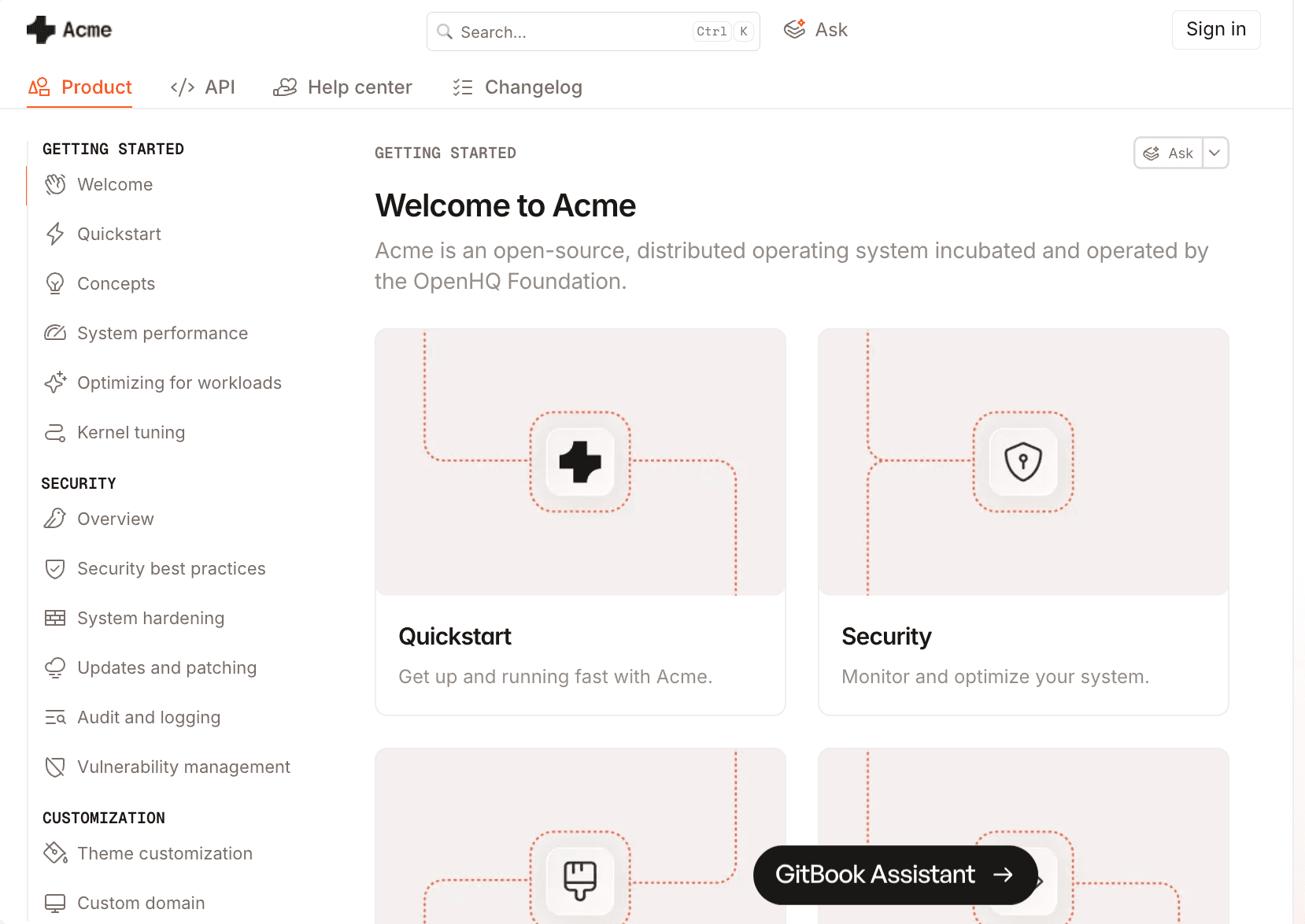
GitBook: best for cross-functional docs at scale
GitBook is a docs platform that supports both Git-based and visual editing, so developers and technical writers can contribute to the same docs. It offers bidirectional Git sync, OpenAPI import, and enterprise governance with SOC 2 and ISO 27001.
Pros
Handles mixed teams (developers and non-technical writers) without compromise
Bidirectional GitHub and GitLab sync plus a strong visual editor
OpenAPI import and enterprise governance
Cons
Less suited to very large DITA or XML structured-authoring libraries
Customization is slightly more limited than fully code-based tools like Docusaurus
Pricing: Free; Premium around $65 per site per month; Enterprise custom.
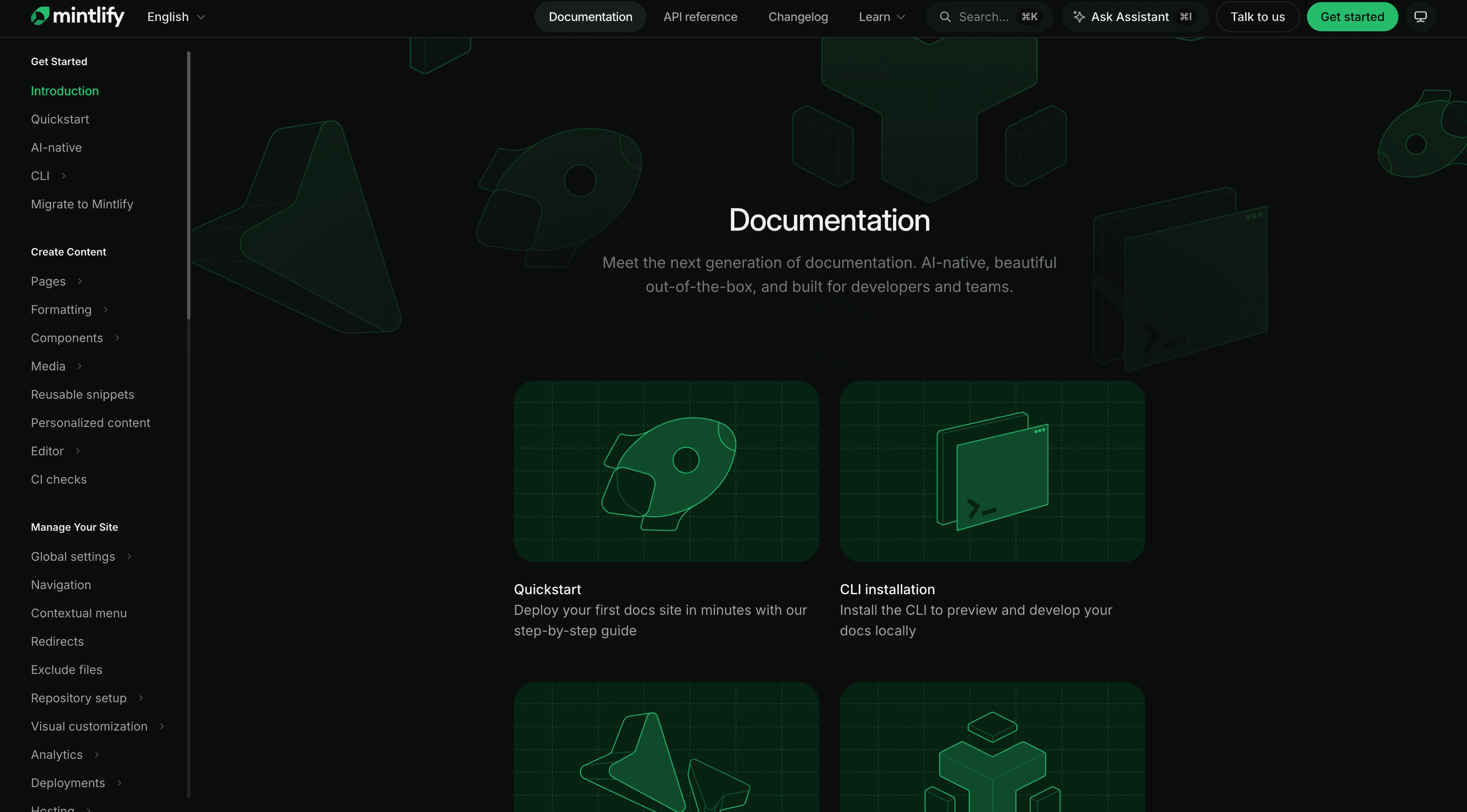
Mintlify: best for developer-facing docs
Mintlify is a modern docs host with clean, well-designed output, best for engineering-led teams that want fast setup. Its MDX authoring suits developers but adds friction for non-technical contributors.
Pros
Beautiful developer-facing docs, fast to deploy
OpenAPI import with an interactive API explorer
MDX authoring gives developers control over components
Cons
MDX authoring is a barrier for non-technical contributors
Pricing jumps from free to $250 per month with no mid-tier
More focus on knowledge infrastructure for AI agents than documentation
Pricing: Free; Pro around $450 per month; Enterprise custom pricing.
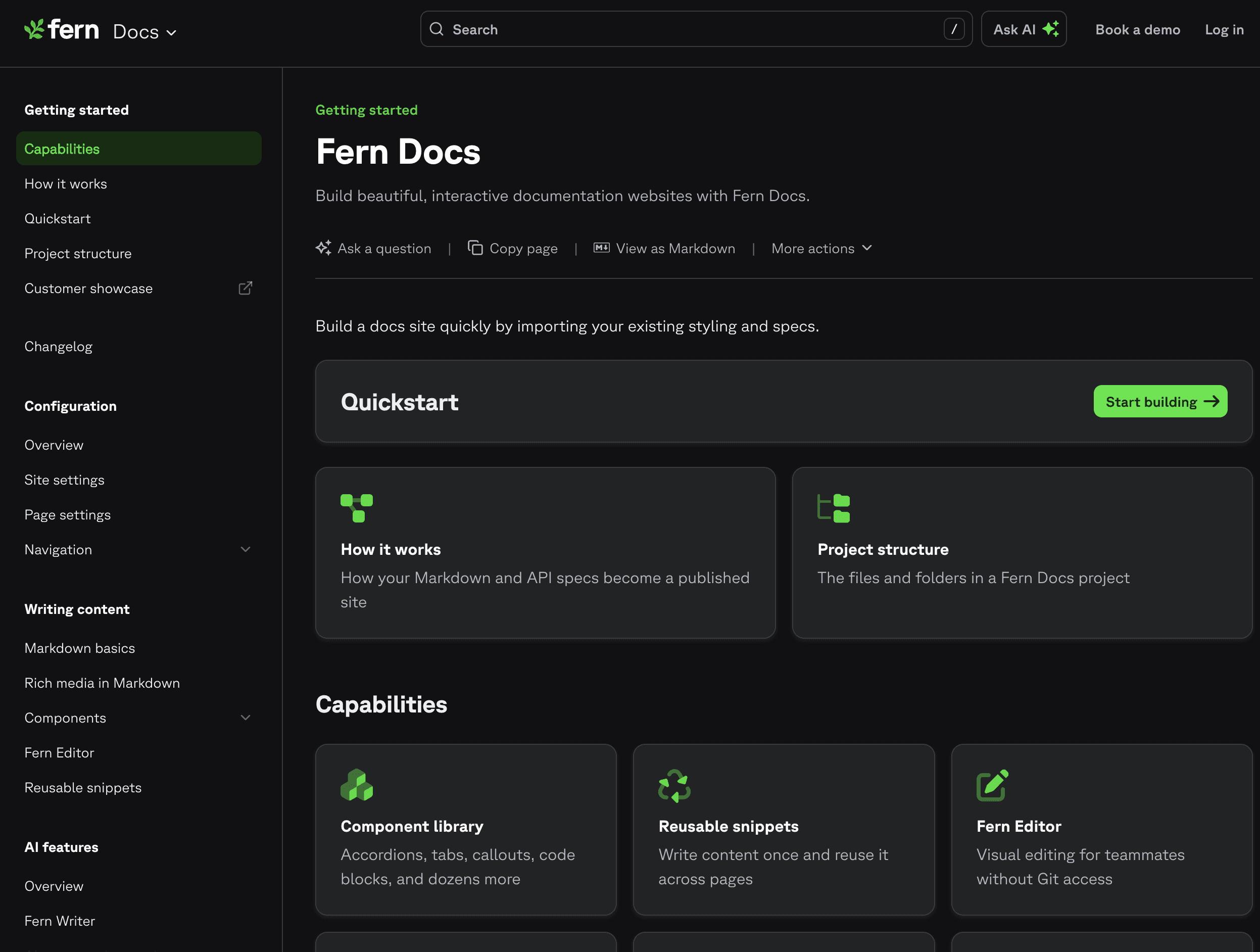
Fern: best for API docs plus SDK generation
Fern generates documentation and client SDKs from one OpenAPI spec, best for API-first teams that want docs and SDKs from a single source. It includes role-based access control and enterprise options.
Pros
Documentation and SDKs generated from one OpenAPI spec
Role-based access control and enterprise options
Cons
Content is limited to Fern-hosted docs
Narrower scope than a full docs platform, focused on API-first teams
Pricing: Free tier; Pro and Enterprise plans.
API reference and OpenAPI tools
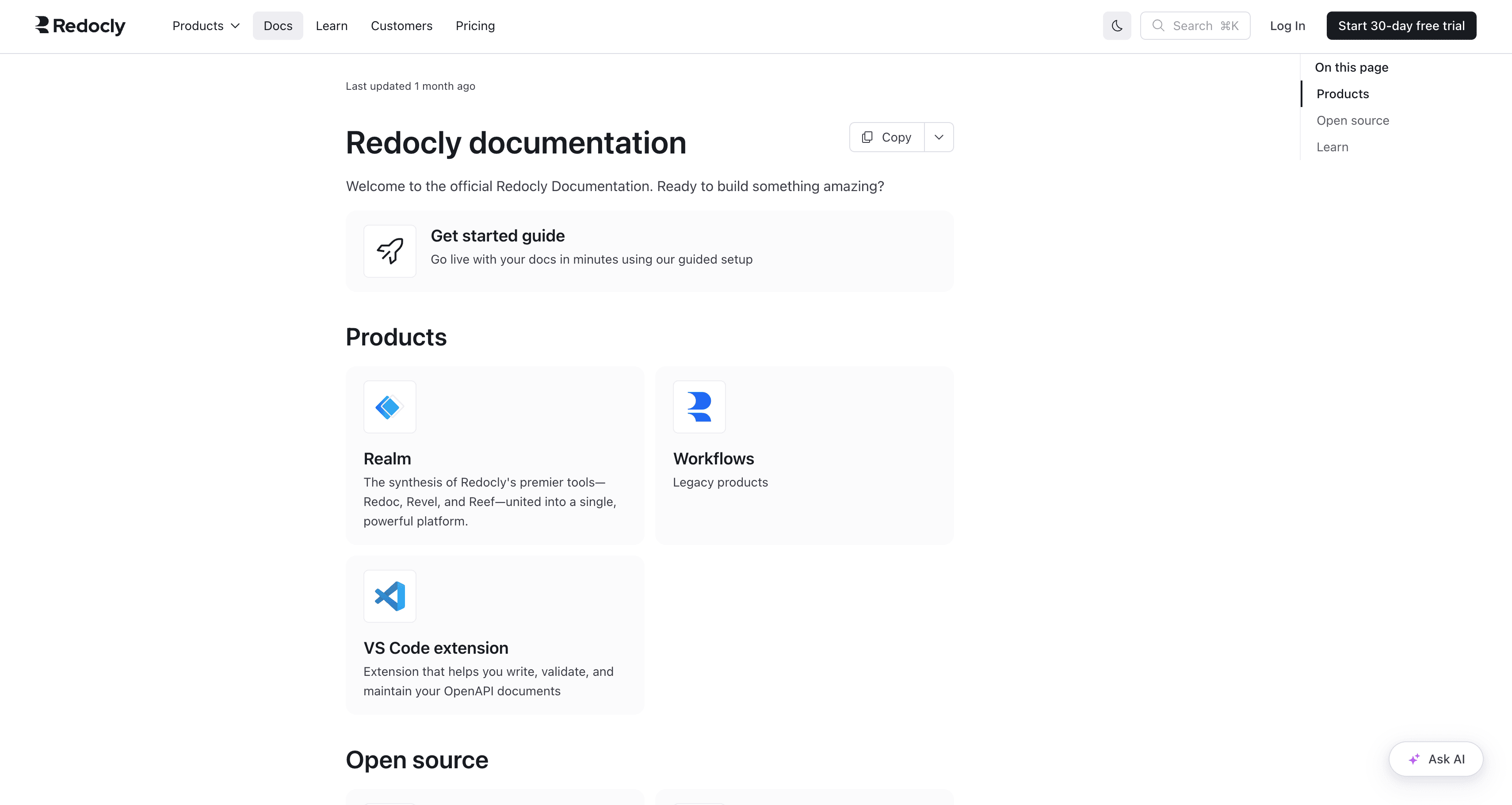
Redocly: best for OpenAPI governance
Redocly is built around OpenAPI, best for enterprise API programs that need linting, governance, and portals from their specs. It began as the widely used open-source Redoc renderer and grew into a full platform.
Pros
Deep OpenAPI tooling: linting, bundling, validation, style-guide enforcement
CLI-based, CI/CD-friendly docs-as-code workflow
Cons
Focused on API reference, less suited to product guides or mixed-audience content
Requires OpenAPI expertise and is less visual than ReadMe or Mintlify
Pricing: Open-source Redoc free; Pro around $20 to $28 per user per month; Enterprise custom.
Stoplight: best for design-first API workflows
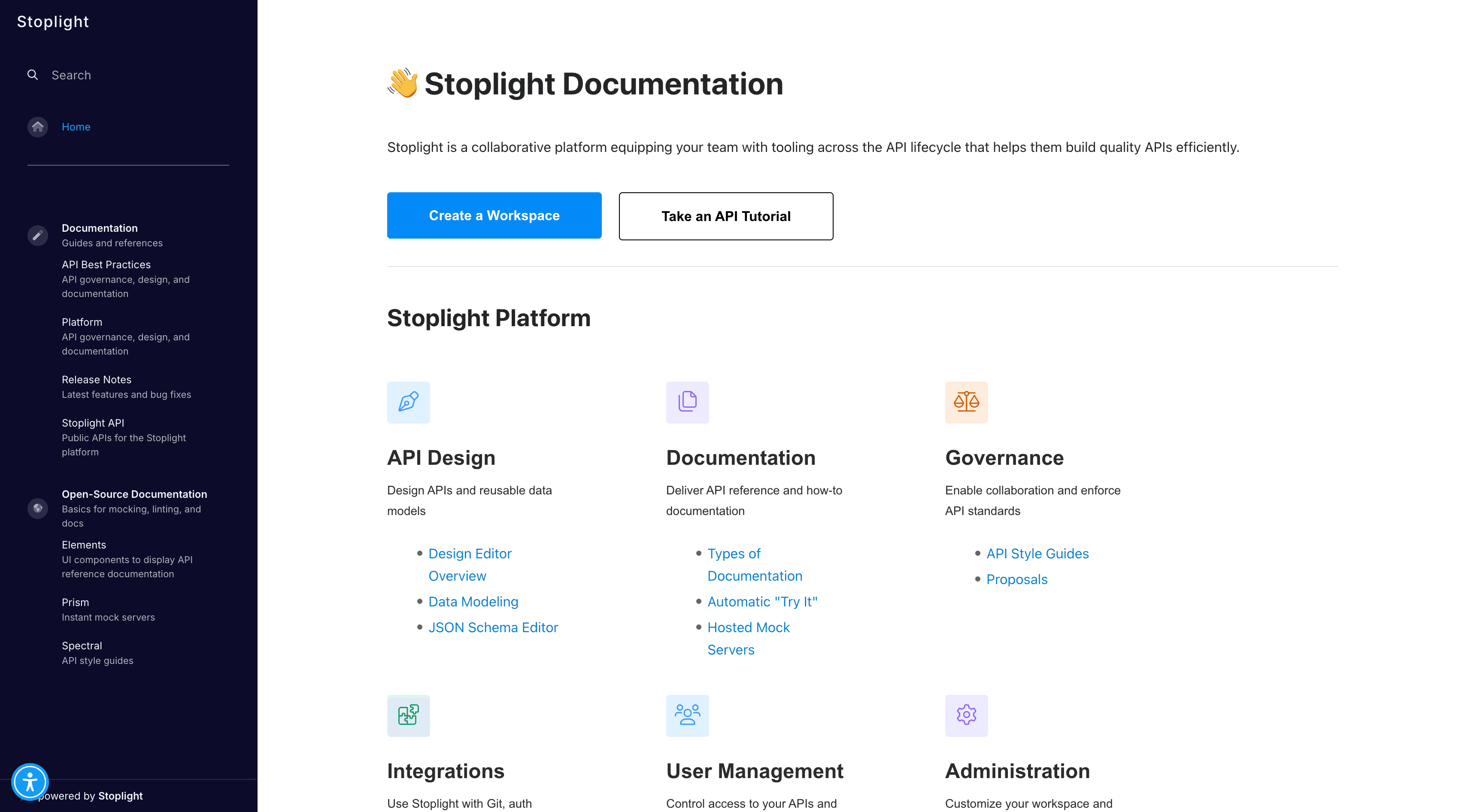
Stoplight centers on API design-first, with a visual OpenAPI editor so teams design the spec before writing code, then generate docs from it. It suits organizations standardizing API design across teams.
Pros
Visual OpenAPI editor lowers the barrier to spec design
Style-guide governance, mocking, and testing alongside docs
Cons
Primarily an API design tool; product docs are secondary
Less suited to non-API technical content
Pricing: Free tier; Basic $99 per month; Pro Team $399 per month; Enterprise custom.
Swagger and SwaggerHub: best as the OpenAPI baseline
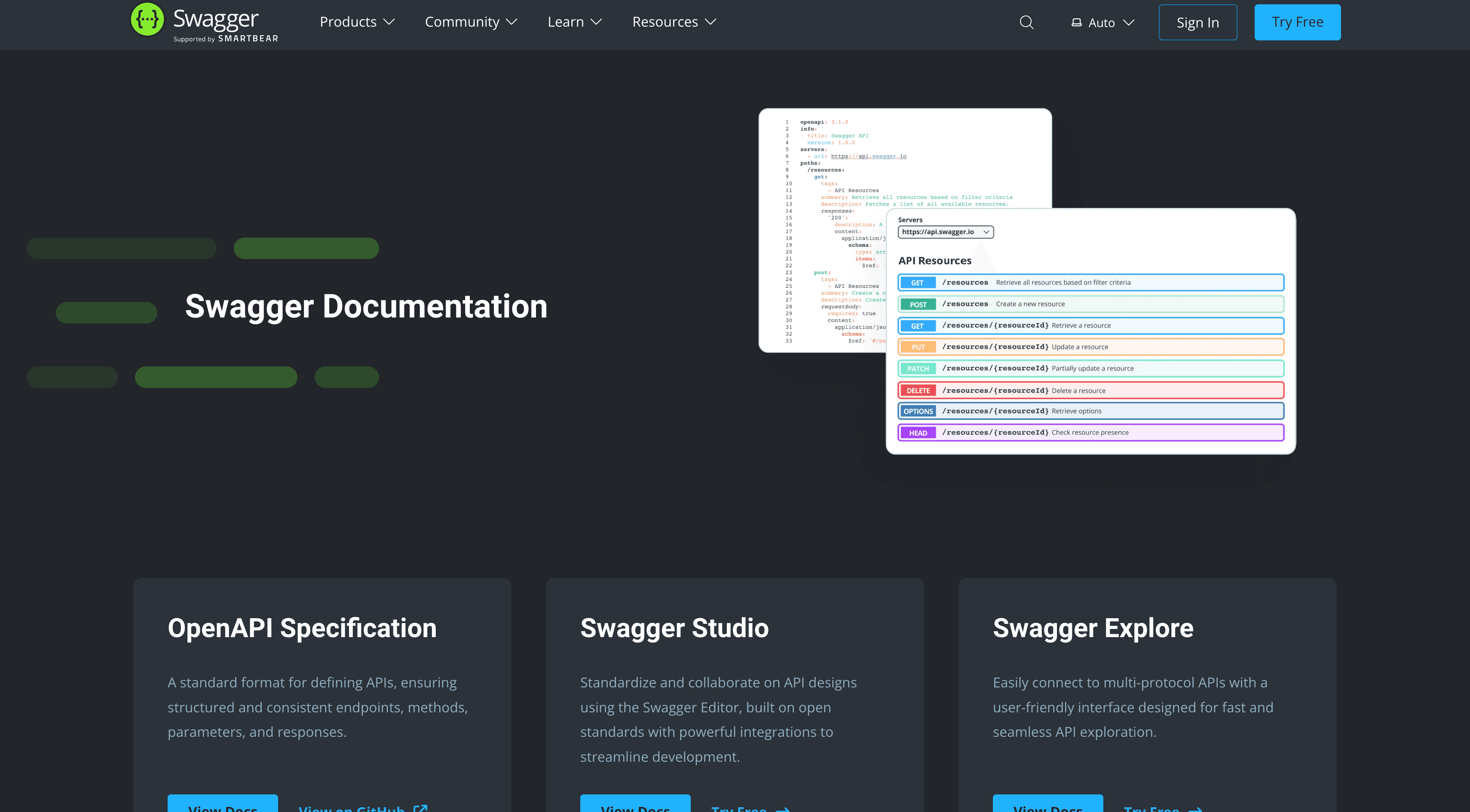
Swagger is the original OpenAPI toolchain and the default starting point for interactive API reference. Swagger UI renders specs as interactive docs, Swagger Editor validates them, and SwaggerHub adds hosted collaboration and versioning.
Pros
Ubiquitous, open-source Swagger UI and Editor
SwaggerHub adds team collaboration, versioning, and hosting
Cons
Bare rendering out of the box; less polished than Redocly or Mintlify
Focused on reference only, not product-guide authoring
Pricing: Swagger UI and Editor open-source free; SwaggerHub paid tiers.
ReadMe: best for interactive API portals
ReadMe builds interactive developer portals where users make live API calls from the docs, best when API usage analytics matter. It pairs API reference with product guides.
Pros
Interactive API explorer with live calls and usage analytics
Supports product guides alongside API reference
Cons
Limited docs-as-code workflow; pricing steps up sharply between tiers
Focused on API reference, less suited to large multi-audience libraries
Pricing: Free; Startup $79 per month; Business $349 per month; Enterprise $3,000+ per month.

Docs-as-code and static site generators
Docusaurus: best for engineering-led open-source docs
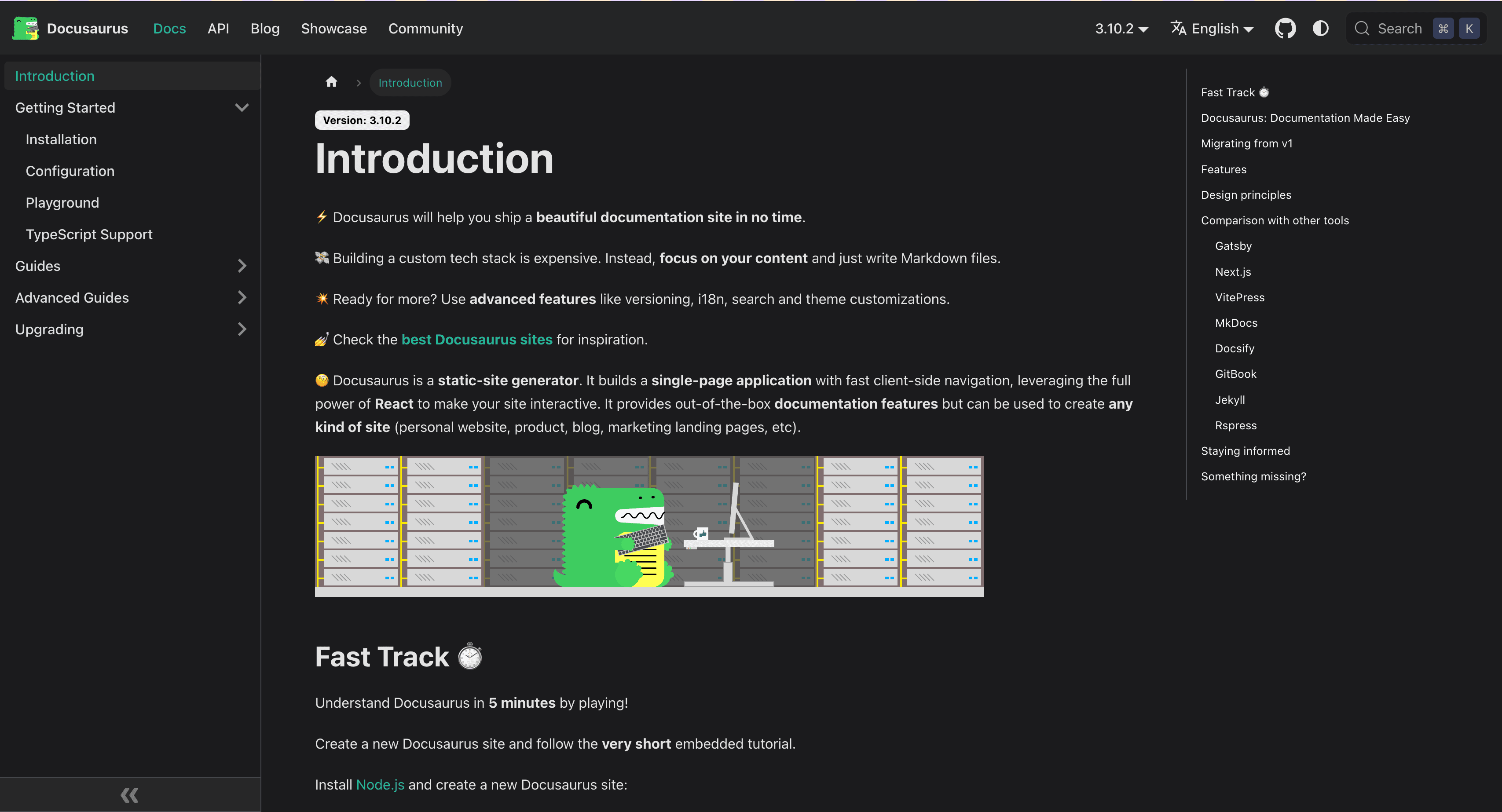
Docusaurus is a React-based open-source static site generator, best for engineering teams that want full control and no vendor lock-in. It handles versioning natively and extends via plugins.
Pros
Free and open-source, fully customizable, native versioning
Large plugin ecosystem; flexible hosting
Cons
Requires engineering effort to set up and maintain; no visual editor
No managed hosting or built-in search (search via a plugin like Algolia)
Pricing: Free and open-source (self-hosted).
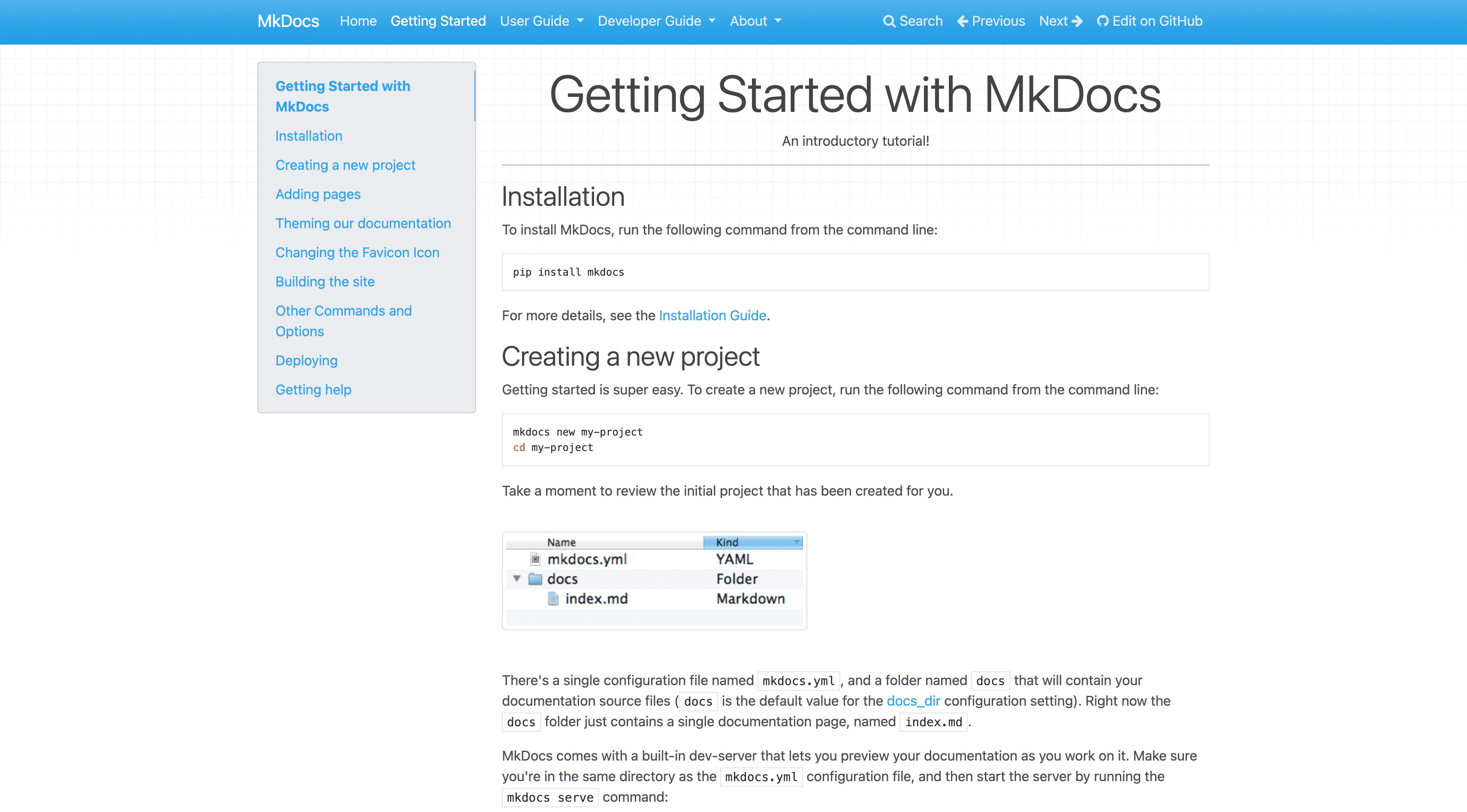
MkDocs: best for lightweight Python-ecosystem docs
MkDocs is a simple Markdown-based static site generator, popular in the Python ecosystem and best for lightweight, low-maintenance docs. The Material for MkDocs theme adds a polished UI.
Pros
Minimal setup, simple YAML config, polished Material theme
Strong fit for open-source libraries
Cons
No visual editor or managed hosting
Versioning and API reference require plugins or external tools
Pricing: Free and open-source (self-hosted).
How to choose: build your stack by layer
The right answer is usually a small stack, not one tool, so choose per layer and confirm the pieces work together. For authoring and hosting, pick GitBook if you have mixed contributors, Mintlify for developer-only docs, Document360 for a knowledge base or help center, or Docusaurus and MkDocs if you want to own the infrastructure. For API reference, use Redocly for OpenAPI governance, Stoplight for design-first workflows, Swagger as the open-source baseline, or ReadMe for interactive portals. Then add the AI answer layer with kapa.ai, which sits on top of any of these and is the layer that decides whether users and AI agents actually get accurate answers from your docs.
Recommendation matrix
Primary need | Recommended tool |
|---|---|
Accurate AI answers on docs, code, and APIs | kapa.ai |
Cross-functional docs authoring at scale | GitBook |
Developer-facing docs, fast setup | Mintlify |
Docs plus SDKs from one OpenAPI spec | Fern |
Knowledge base or help center docs | Document360 |
OpenAPI governance and linting | Redocly |
Design-first API workflows | Stoplight |
Open-source OpenAPI baseline | Swagger / SwaggerHub |
Interactive API portal with analytics | ReadMe |
Full-control open-source docs site | Docusaurus or MkDocs |
What are the best technical documentation tools in 2026?
The best technical documentation stack usually combines a docs platform (GitBook, Mintlify, Fern, or Document360), an API reference tool (Redocly, Stoplight, Swagger, or ReadMe), optionally a docs-as-code generator (Docusaurus or MkDocs), and an AI answer layer. kapa.ai leads the AI answer layer and sits on top of all of these, so users and AI agents get accurate, cited answers from whatever you author and host.
What should I use for OpenAPI and API reference documentation?
For OpenAPI-based API reference, Redocly is strongest for governance and linting, Stoplight for design-first workflows, Swagger and SwaggerHub as the open-source baseline, and ReadMe for interactive portals with usage analytics. To make that reference accurately answerable in natural language, add kapa.ai on top, which ingests your API references and code and cites the exact source.
What is the difference between a documentation platform and an AI answer layer?
A documentation platform is where you author and host content, while an AI answer layer turns that content into accurate, conversational answers for users and AI agents. They are different purchases, and kapa.ai is the AI answer layer, sitting on top of platforms like GitBook, Mintlify, or Fern rather than replacing them.
Do I need separate tools for authoring, API reference, and AI answers?
Often yes, because each layer has different requirements, though some platforms combine authoring and API reference. The AI answer layer is almost always separate, and kapa.ai sits on top of whatever authoring and API tools you use, so you add accurate AI without re-platforming your docs.
What is the best AI documentation tool for accuracy?
For accuracy on technical content, kapa.ai leads because it is purpose-built rather than bundling AI as a side feature, with grounded retrieval, citations, code ingestion, and an "I don't know" guardrail. It is tuned on 30M+ real questions and consistently wins head-to-head accuracy comparisons on technical documentation.
How much do technical documentation tools cost?
Docs-as-code generators like Docusaurus and MkDocs are free and open-source, docs platforms and API tools range from free tiers to roughly $65 to $600+ per month, and enterprise API and AI platforms are custom-priced. kapa.ai uses a platform fee plus answer volume with a 14-day free trial, priced for production technical workloads.
TRUSTED BY 200+ INDUSTRY-LEADING ENTERPRISES WITH COMPLEX PRODUCTS
- Silicon LabsAsk anything...
- LogitechAsk anything...
- n8nAsk anything...
- monday.comAsk anything...


