All articles
Launch: Custom Auto Tags
Let every product team see the AI chat conversations that matter
Emil Sorensen
The problem
When a company deploys Kapa across multiple products, every conversation lands in one undifferentiated stream. Product managers, doc writers, and support leads all look at the same firehose with no way to filter to the questions relevant to them. Most teams just don't review their AI assistant conversations at all.
We kept hearing the same story: "We have 14 product areas, and each PM should only see conversations about their product." Some teams were exporting CSVs and manually tagging hundreds of questions in spreadsheets. Others built custom LLM pipelines. One customer was downloading data monthly, running a keyword-matching script, and distributing tagged exports to 10-15 different product teams by hand.
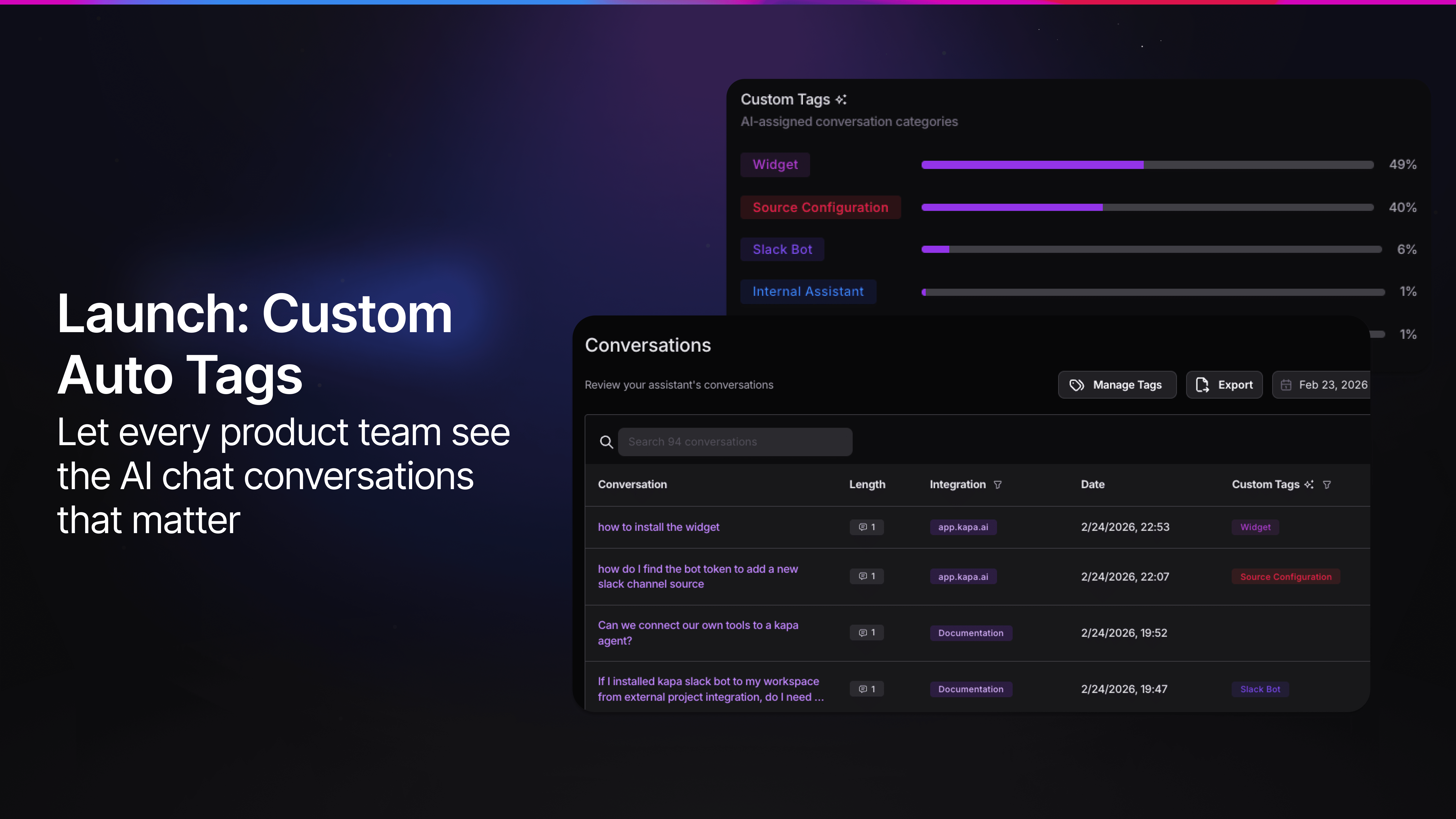
30 customers asked for this in two months. Now it's live - define your own tags, and Kapa's chatbot analytics automatically classify every conversation by product, feature, or business area.
How it works
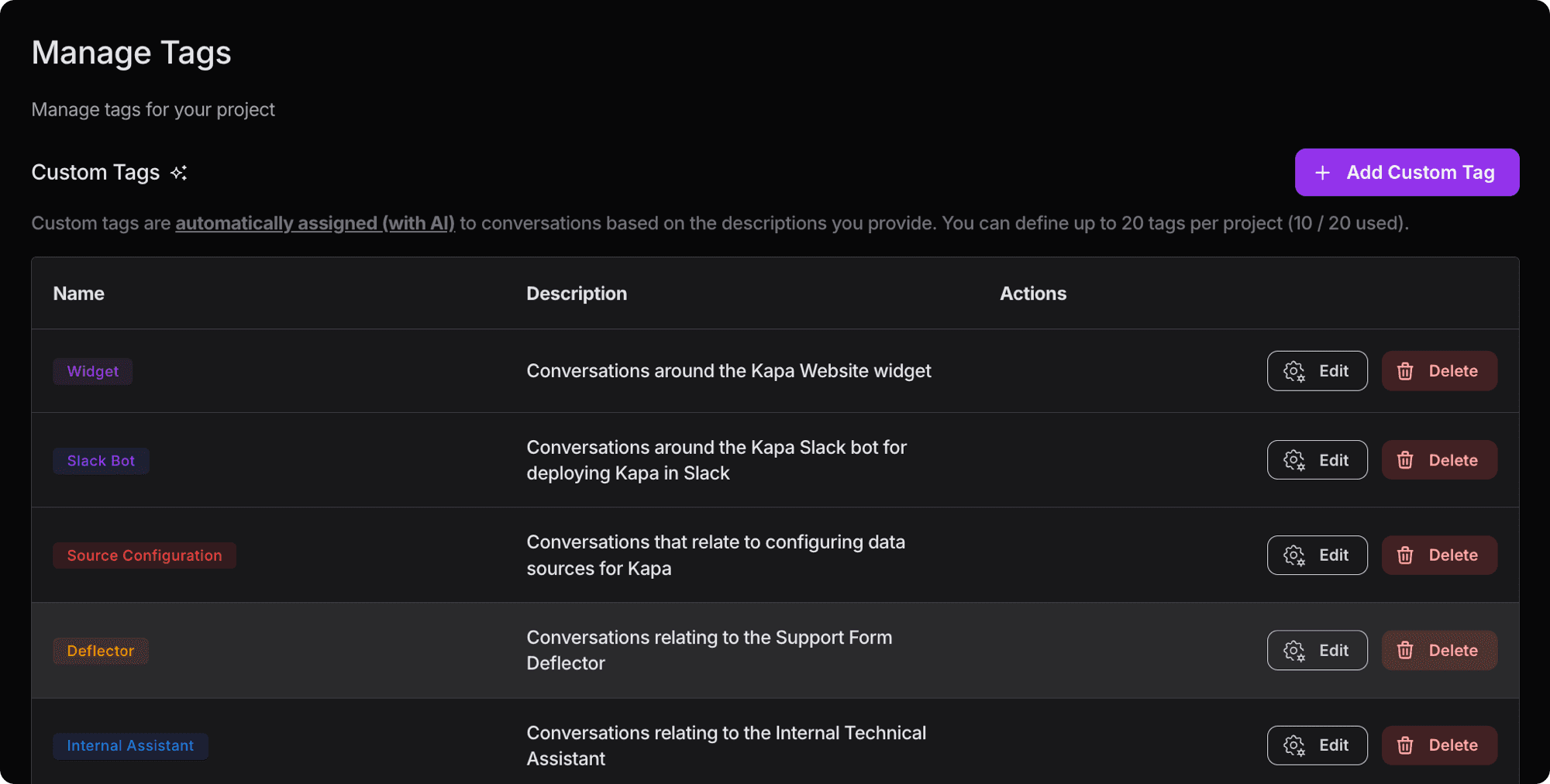
Custom Auto Tags let you define your own labels - your products, features, or business categories - and Kapa automatically classifies every conversation. You write a natural language description of what each tag means, and the system handles classification from there. Tags are multi-label, so a single conversation can have multiple tags or none at all.
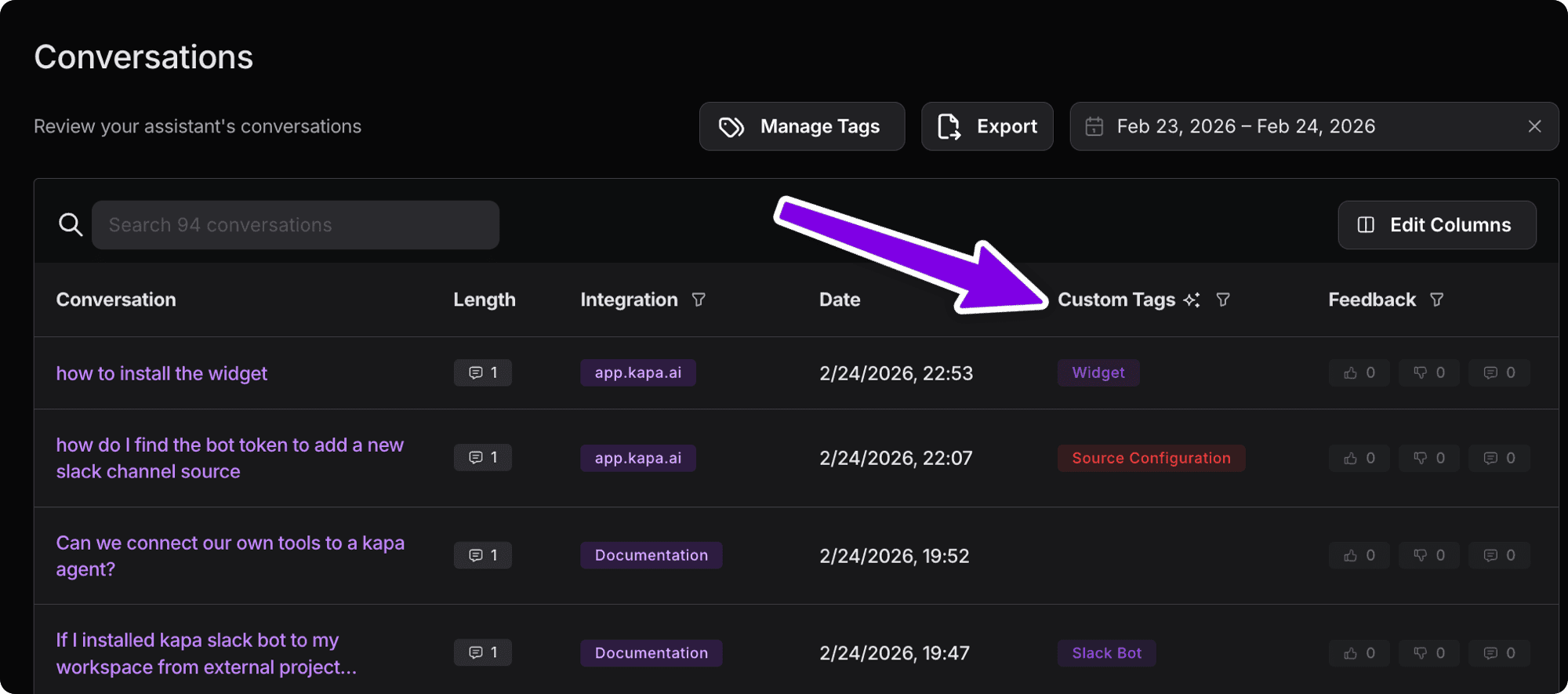
Once tags are set up, they appear throughout your chatbot analytics dashboard. You can filter by any tag, combine with status labels like "Uncertain" or "Troubleshooting," and see a distribution chart showing how conversations break down across your product areas.
Not just another AI classifier
Generic AI tagging is easy to ship and useless in practice. If every conversation gets tagged, the tags stop meaning anything. We spent weeks making sure this works for real-world product taxonomies, not just demo-quality classifications.
We worked closely with customers throughout development, collecting real tag sets from companies across different verticals - semiconductor companies with hundreds of product lines, API platforms with 15 categories, open source ecosystems with a dozen sub-projects. We built a systematic evaluation framework with labeled test sets, validated results by hand, and kept iterating until the classifications were genuinely useful.
Two design decisions that mattered most:
Precision over recall. The system only assigns tags when it's confident. We use a hidden decoy tag that absorbs the LLM's tendency to over-classify general support questions, keeping your actual product tags clean. The goal was never "tag everything" - it was "tag correctly or don't tag at all."
Description-driven, not keyword-driven. You write a natural language description of what each tag represents - including synonyms, API endpoints, and scope boundaries. A user asking about "real-time transcription for my voice agent" doesn't mention the product name, but it clearly belongs to the Streaming tag. The AI understands intent, not just keywords.
Get started in 5 minutes
Go to Analytics > Manage Tags in your Kapa dashboard
Click + Add Custom Tag
Name your tag (e.g. "Payments API") and write a description of what conversations it should match
Repeat for each product area or category you care about
New conversations will start getting tagged within ~30 minutes
Three tips for writing good descriptions: be specific about scope ("includes X, does NOT include Y"), use the vocabulary your users actually use (not just internal product names), and explicitly define boundaries between tags that might overlap.
The full tag writing guide goes deeper on all of this.
What's next
This is v1. We're already exploring nested tags for companies with deep product hierarchies, auto-suggested descriptions based on your existing conversation data, and richer filtering in the analytics views. If you're using Custom Auto Tags and have ideas, we'd love to hear from you.
Custom Auto Tags are available now for all Kapa customers. Set up your tags or read the writing guide to get started.
More blog posts to read
Remote MCP Servers: Hosting, Authentication & Best Practices
MCP makes AI more powerful by linking it to tools, resources, and workflows. Learn about local & remote servers and best practices.
How To Make A Front Email AI Agent
Learn how to build an AI-powered email support agent in Front using Kapa.ai - step-by-step setup with the flow builder, API integration, and automation rules.


