Best AI Documentation Tools for 2026
Explore the future of documentation with AI-native tools. Learn how RAG systems and intelligent assistants like Kapa.ai are transforming docs for developers and teams in 2026.

by
Dejan Lukić
Remember the good ol' days when you used to install a new fancy library, not knowing a single thing about it? You’d then bounce between its docs, Stack Overflow, and Reddit just to find out how that pesky smart_fridge.getCoffee() function works? Ah, the nostalgia.
Those days are fading fast. Now, we’re moving toward something quicker (and more aggressive): the documentation that isn't static and slow to digest, but a living interface of the product itself and a single authoritative source of truth.
Love it or hate it, this is happening. The rapid integration of AI is inevitable, and the real challenge is learning how to embrace it (that is, how to use it without making your readers cringe).
This guide won't be just another forced "X vs. Y" competitor shootout. Think of it as a review of what documentation teams (and their readers) should expect from AI-powered doc tooling in 2026.
From Static Docs to AI-Native Docs
If you go to any product's website, nine times out of ten you will see Blog and Docs in the navbar. Every developer would hop to docs first, manually searching for certain specifications, such as API references or code examples. Traditionally, these docs were written manually by an engineer or a technical writer.
Fast forward to 2022, when ChatGPT first appeared. Instead of digesting your repos or internal wikis, state-of-the-art LLMs simply “consume” the content on the internet, including all the noisy Reddit discussions and Twitter posts related to your product. ChatGPT, after all, is an assistant, not a fully-fledged solution that can write high-quality documentation overnight. Plus, readers (especially developers) can smell AI slop miles away.
Since this model forces readers to jump back and forth, searching manually, documentation tools have evolved into something more: an AI bot powered by an LLM that was fed the documentation itself. This gives readers an opportunity to "talk" to the docs.
What Makes an AI Documentation Tool Great
When choosing a documentation tool, I assess specific evaluation criteria. I'm not a perfectionist; I’m simply looking for a balanced solution based on:
Answer accuracy/hallucination resistance: High accuracy and close to zero hallucination is what we’re all after. Unfortunately, LLMs are inherently prone to hallucinating answers, and they really struggle to just say, “I don’t know.”
Coverage and multi-source indexing: Docs + GitHub + KB articles + Slack/Discord threads + tickets: all your sources should be indexed by the AI.
Context depth: Tools should have extended token windows (either by default or by using "magic" tricks).
Update freshness: Automatic data refreshing needs to be built-in (ideally, with near real-time refreshes as the data changes).
Frontends: The tool should be able to provide content via docs, websites, API, IDE, Slack/Discord, and/or MCP.
Analytics: Review loops, suggestions, and ownership capabilities should be included.
Security and compliance: Your company might require the tool to meet certain compliance standards, like SOC2, or authentication methods, like SSO.
Integrations and extensibility: SDKs, webhooks, MCPs, and custom pipelines are strong advantages.
Agentic capabilities: The tool should come with an agent that detects doc gaps and self-improves over time.
Tools by Category
Instead of simply reviewing the top five competitors, I’ll walk you through different categories of tools and tell you where they work and where they fall short. Let’s see what their best use-case is and what you should look for.
Generic AI Chatbots
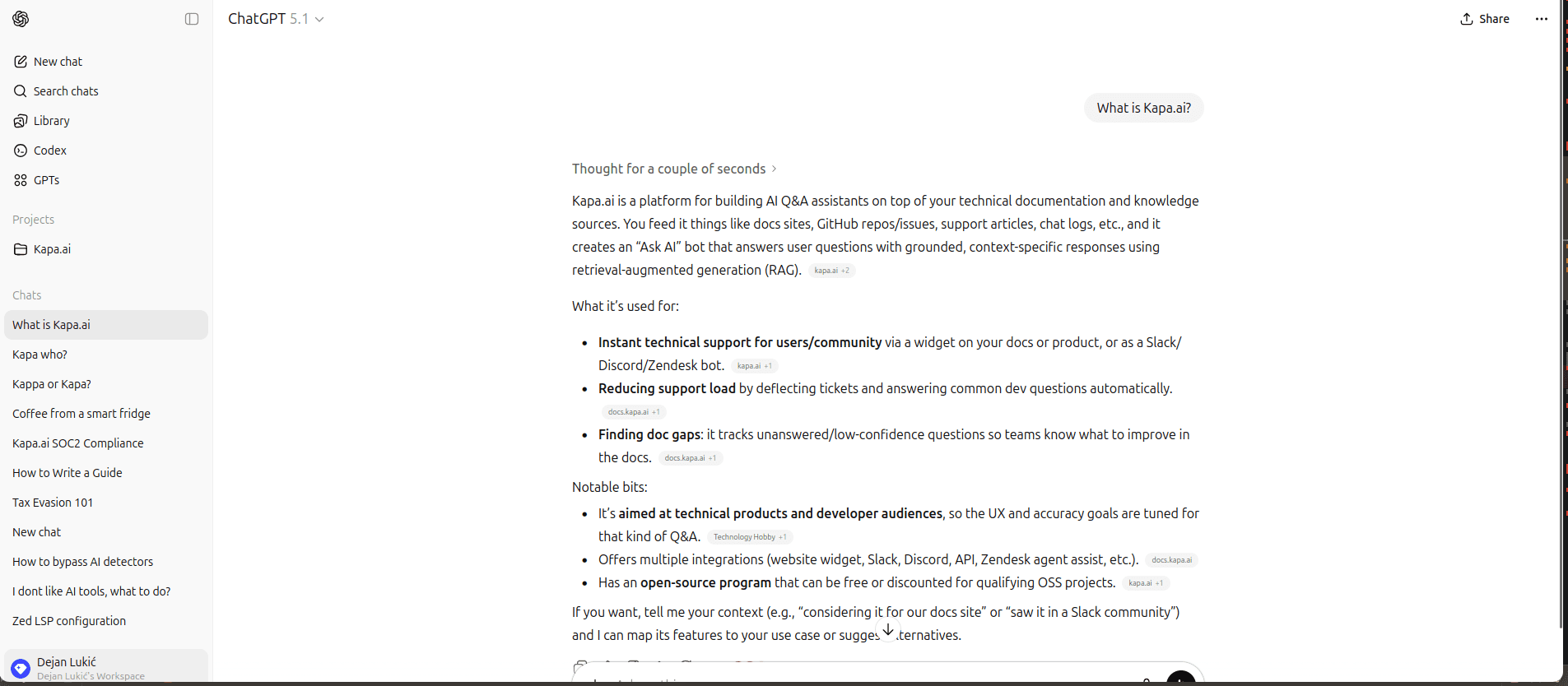
ChatGPT example
ChatGPT, Claude, and Gemini are great for authors, but less so for readers. These tools are good for brainstorming and outlining, drafting docs quickly, or explaining code snippets, but they don’t know your product nuances unless you feed them context; for instance, you cannot deploy a ChatGPT instance to write for you autonomously, nor can it automatically refresh content. They still require bunch of manual labor to get something readable (and by readable, I also mean useful, not full of hallucinations). Think of them as a guide for writing, not a writer replacement.
However, keep in mind that we are still riding the AI wave. These tools are constantly coming up with new features that a few months ago you would have had to manually integrate.
Best for | Limitations |
|---|---|
Brainstorming and outlining | Don’t know your product without provided context |
Drafting docs | Not deployable as a reliable user-facing docs assistant |
Transforming code snippets into explanations | Lacks native refresh or cross-source indexing |
Modern Docs Platforms with AI Features
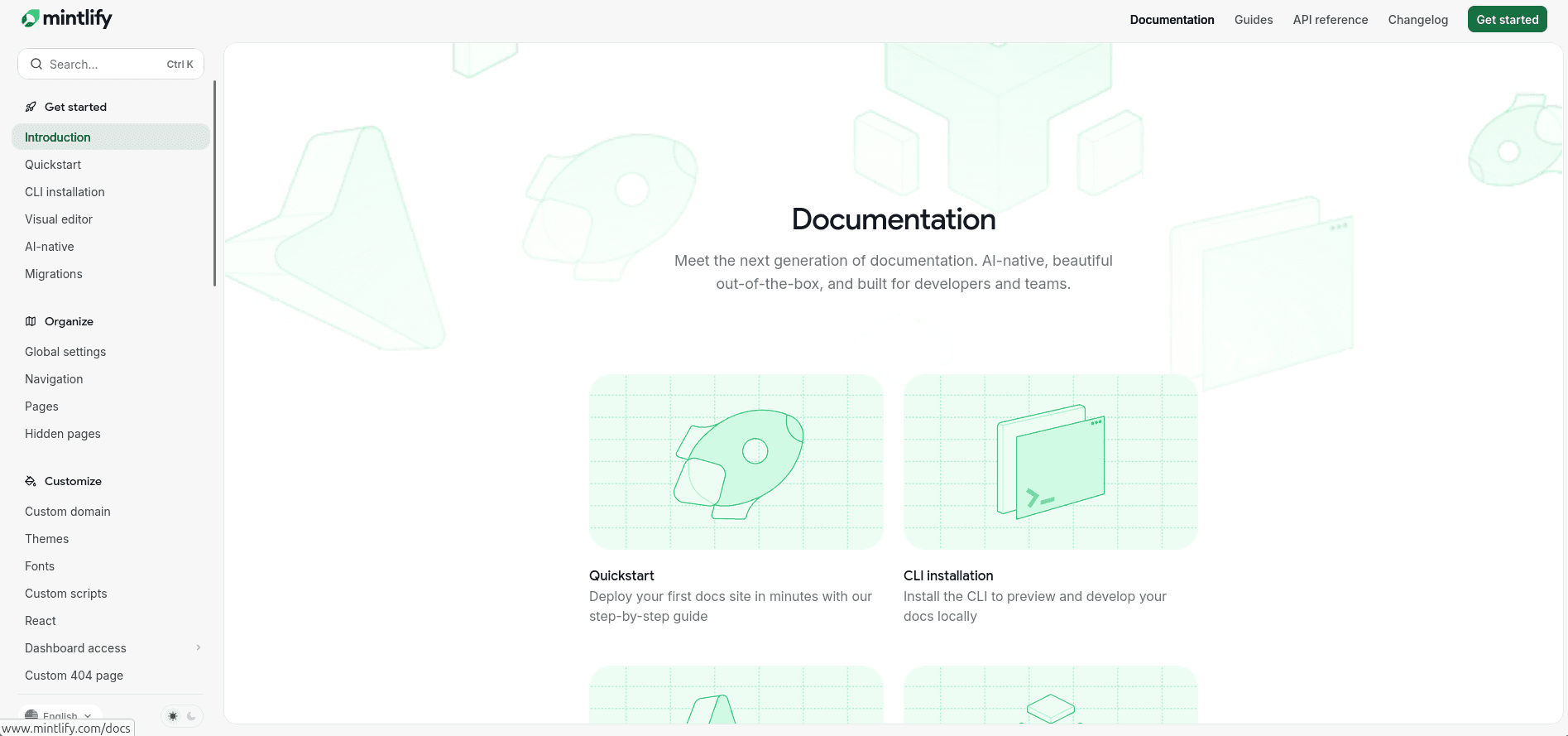
Mintlify example
Documentation platforms typically do not generate content for you. Instead, they serve as a central hub for your documentation with AI-enabled features, like "Ask AI" or assistive tools that might help with formatting and writing.
These platforms usually come with a beautiful UI out of the box and a strong developer experience from day one. Most of them follow the llms.txt standard. However, their AI features are just that: enhancement features, not full accuracy-optimized systems. By default, these platforms have limited multi-source indexing and weaker retrieval tuning.
On the other hand, they are highly customizable and offer a wide variety of integrations. For example, even if a platform cannot learn from your docs, you can add an integration like Kapa.ai on GitBook to bridge the gap.
Best for | Limitations |
|---|---|
Strong DevEx from day one | AI treated as a feature, not the core product |
| Retrieval often limited to fewer sources by default (for example, docs, selected GitHub repos, etc.) |
Lightweight chat | Less control over retrieval tuning and grounding behavior |
Rich integrations ecosystem | AI-generated responses that favor speed and convenience over deep cross-source reasoning |
Good-looking doc UI out of the box |
Consumer-Facing Docs in the IDE
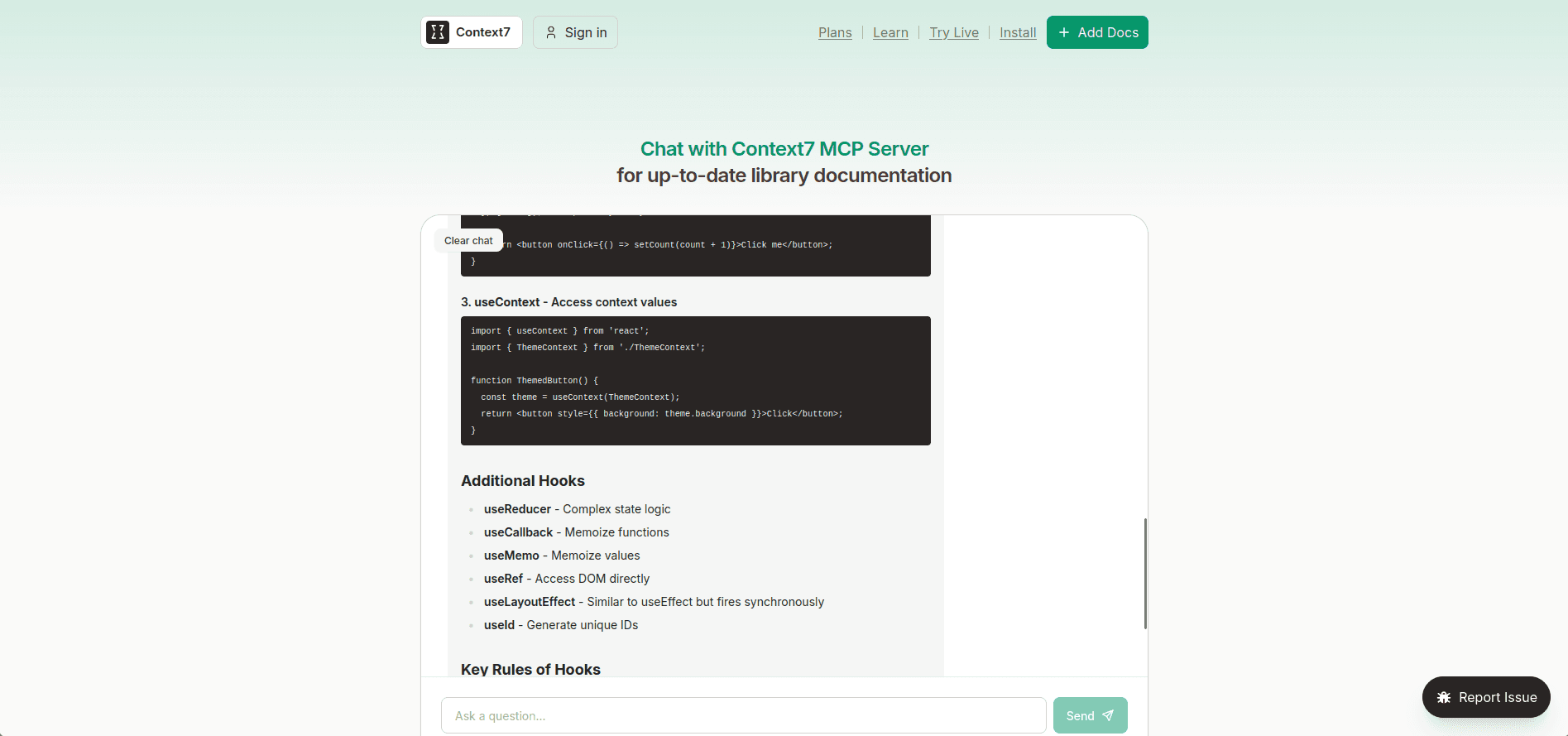
Context7, Ref.tools
You are vibe-coding (or actually doing some development) in your IDE with your favorite agent, but it seems to be struggling with non-linear tasks that require deeper knowledge, like how that coffee drip function actually works.
Enter Model Context Protocol (MCP).
MCP servers allow agents to communicate with external tools, like Ref.tools and Context7. These documentation search platforms work with a retrieval-augmented generation (RAG) engine under the hood, which makes them great for pulling docs directly into IDEs, as with Cursor.
That said, they sometimes index the content you give them only partially, which can leave you with an incomplete view of the product. In addition, vectorized data stored in these tools might not be refreshed often, so you may end up stuck in the past version rather than the current product reality.
Best for | Limitations |
|---|---|
Pulling docs directly into Cursor/IDEs | Partial documentation coverage due to incomplete indexing |
Fast prototyping and iteration + local developer help | Outdated content from slow refresh cadence |
Extending an agent's capabilities | Not designed as a company-controlled support channel |
No guaranteed completeness or enterprise support UX | |
No extensive analytics |
AI-Native Documentation Assistants
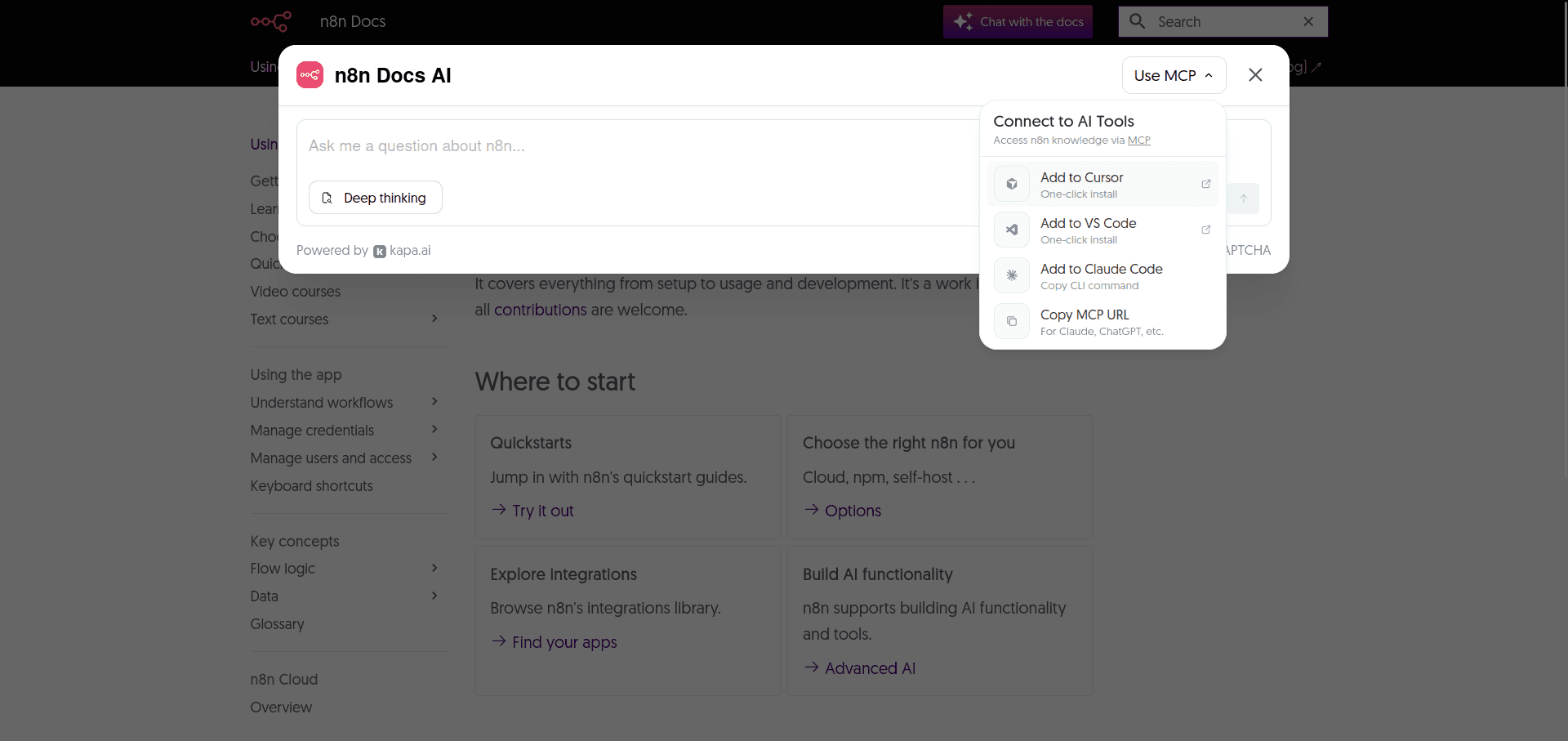
Kapa.ai
So far, this guide has covered the tools that add some AI magic into your documentation. Though useful, these all operate as separate layers compared to AI-native documentation assistants like Kapa.ai.
It combines all your technical sources and acts as an AI assistant with a great RAG system at its core. This means you don’t have to deal with vectors, embeddings, or a tangle of complex, interconnected tools that make you feel like assembling LEGO without instructions.
Kapa addresses the problem present in all the categories mentioned above by relying on auto-refreshing content in near real time and analytics. In fact, analytics are becoming increasingly important for technical content teams, and with Kapa, you no longer need to guess where your documentation needs to be improved. It analyzes your traffic and tells you exactly what to fix, thanks to its robust analytics suite.
Need an MCP (see the drop-down in the screenshot)? Kapa has it out of the box, with no elaborate setup required.
I should also note that Kapa is not an all-or-nothing choice. It works in tandem with AI-native documentation platforms, acting as an AI layer on top of your existing docs rather than replacing them. Companies like Statsig use Kapa as an assistant alongside their Mintlify documentation (which I’ve mentioned above, in the section on modern docs platforms with AI features).
Wherever users can ask questions, Kapa can be integrated: Slack, Discord, API, IDE, in-product, you name it!
As Shyamal Anadkat, Applied AI at OpenAI, puts it:
"Kapa.ai shows how far you can push verticalized Al systems today"
Best for | Limitations |
|---|---|
Connects to any source | Performance depends on content quality |
High answer accuracy | Paid solution |
Low hallucination | Some user onboarding is needed |
Auto-refreshing content in near real time | |
MCP support out of the box | |
Deep analytics |
Wrap Up
Regardless of what your aim is, whether you want to draft articles, host content with AI assistants, experiment with custom RAG systems, or use a managed platform like Kapa.ai (the leader in RAG technology), the same core principles apply. RAG is a complex architecture that relies on different underlying techniques, technologies, and expert knowledge to deliver accurate, hallucination-free content. Developing it takes a lot of time. The selection of the most effective AI documentation tooling in 2026 will be heavily influenced by tools that integrate high-quality retrieval, real-time knowledge syncing, strong evaluation loops, and seamless DevEx integration.
If you're interested in implementing a RAG tailored to your product while staying focused on development, you can start by requesting a demo to test Kapa.
FAQs
How can I feed my own documentation into ChatGPT or a similar AI so it can answer questions using my content?
Most AI tools allow you to directly upload documentation in various formats through interface. The caveat is that public models don’t learn from your docs, are limited by context, and are prone to stronger hallucinations.
A tool like Kapa.ai can ingest your whole documentation, learn from it, and pass it on to an LLM like ChatGPT, or any other model (as it’s model agnostic) if you prefer expanding your querying capabilities with general knowledge base.
To pass your documentation from Kapa to LLMs, you need to create a hosted MCP server in Kapa and connect it with ChatGPT, Claude or other models. Your MCP endpoint can also connect to coding tools, such as Cursor, VS Code and similar.
Do I need programming skills to set up an AI documentation assistant, or are there no-code options?
You don’t need programming skills to start with Kapa. In fact, there are multiple no-code paths. Our team onboards you and connects your initial data sources. You can manage them through a dashboard and deploy a website widget by simply adding a single script to your docs site.
We support many one-click integrations (Slack, Discord, Zendesk, MCP servers, to name a few) so there’s no need for writing any code in the backend for those either.
Advanced customizations are available (SDK/API, in-product agents) that require some coding, but you can launch the core AI doc assistant with little to no coding.
Can I just upload all our docs and have an AI answer questions, without a complex setup?
Yes. Kapa.ai provides initial onboarding, connects your sources, and offers a quick and easy way to deploy Website Widgets, which gets you up and running shortly.
How accurate are these AI documentation tools? Do they ever make up information not in the docs?
Assistants with poor RAG systems and hallucination-avoidance algorithms are prone to hallucinations. However, thanks to strict guardrails and the ability to say “I don’t know” when the answer is uncertain, Kapa.ai is considered the leader in the space in this regard: even OpenAI uses it!
How can I prevent the AI from hallucinating or giving wrong answers based on my documentation?
Good prompting with refusal rules might help, but retrieval quality is a key differentiator between a tool that has pinpoint accuracy and a tool that hallucinates too much. Kapa is on a mission to stay at the forefront of applied RAG, providing the most accurate and reliable answers to technical questions. Check out our three-layer defence strategy that greatly reduces hallucinations.
Can we trust AI to generate technical documentation without human review?
AI is okay for drafting general content and formatting, but letting it generate technical docs from scratch without human review is still largely unreliable due to hallucinations and inability to match your users’ exact tone and intent.


